Documentation
Getting Started
For Organizers
For Coaches / Clubs
For Athletes
Find a tournament and register
To take part in a tournament through budo.asia, follow three steps: find the tournament, open its page and fill in the registration form.
Video guide
Step 1. Open the tournament catalogue
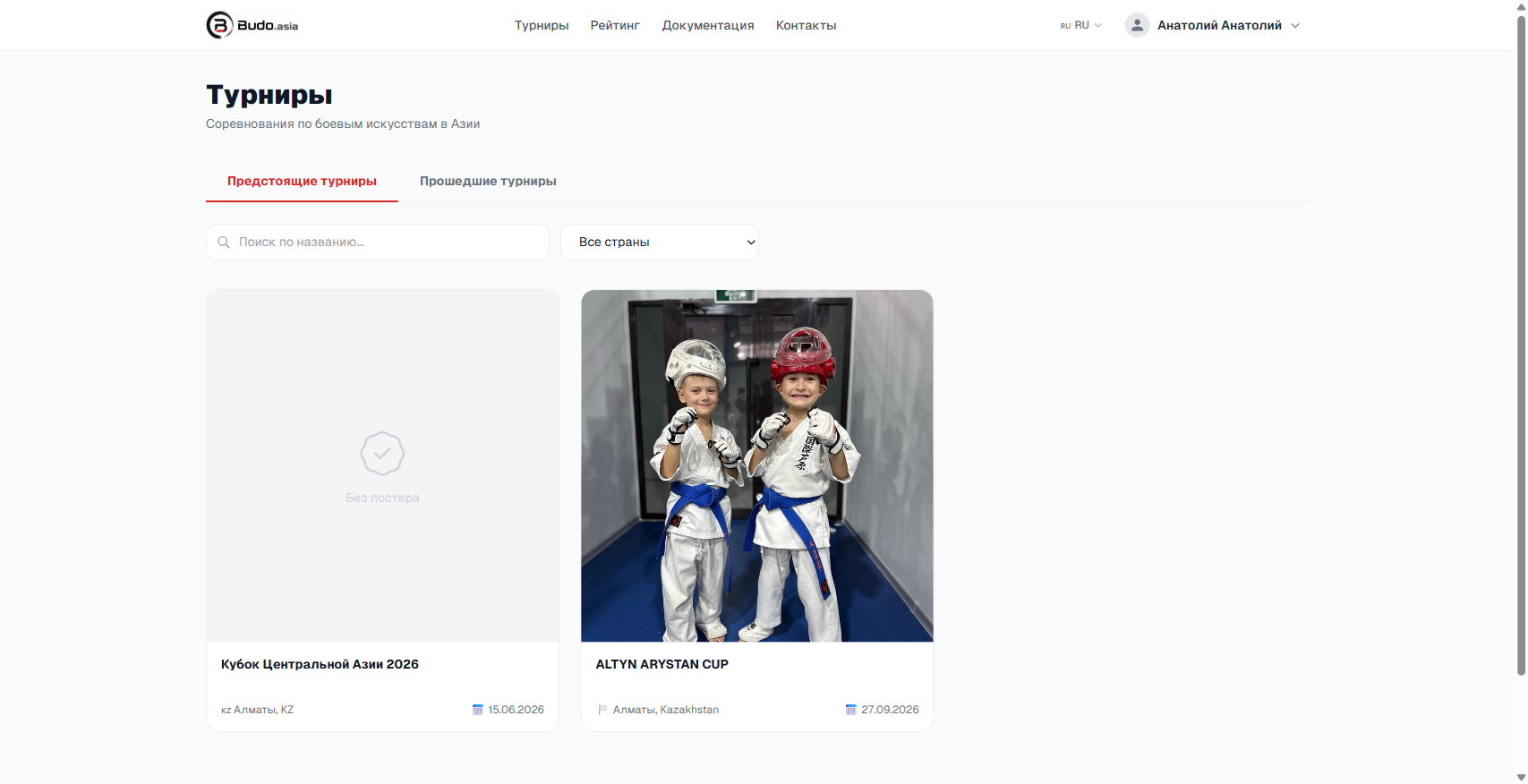
Go to the Tournaments section from the site menu or the navigation link. It lists every upcoming and past competition.
On that page you will find:
- The “Upcoming tournaments” and “Past tournaments” tabs
- Search by name
- Filter by country
Step 2. Open the tournament page
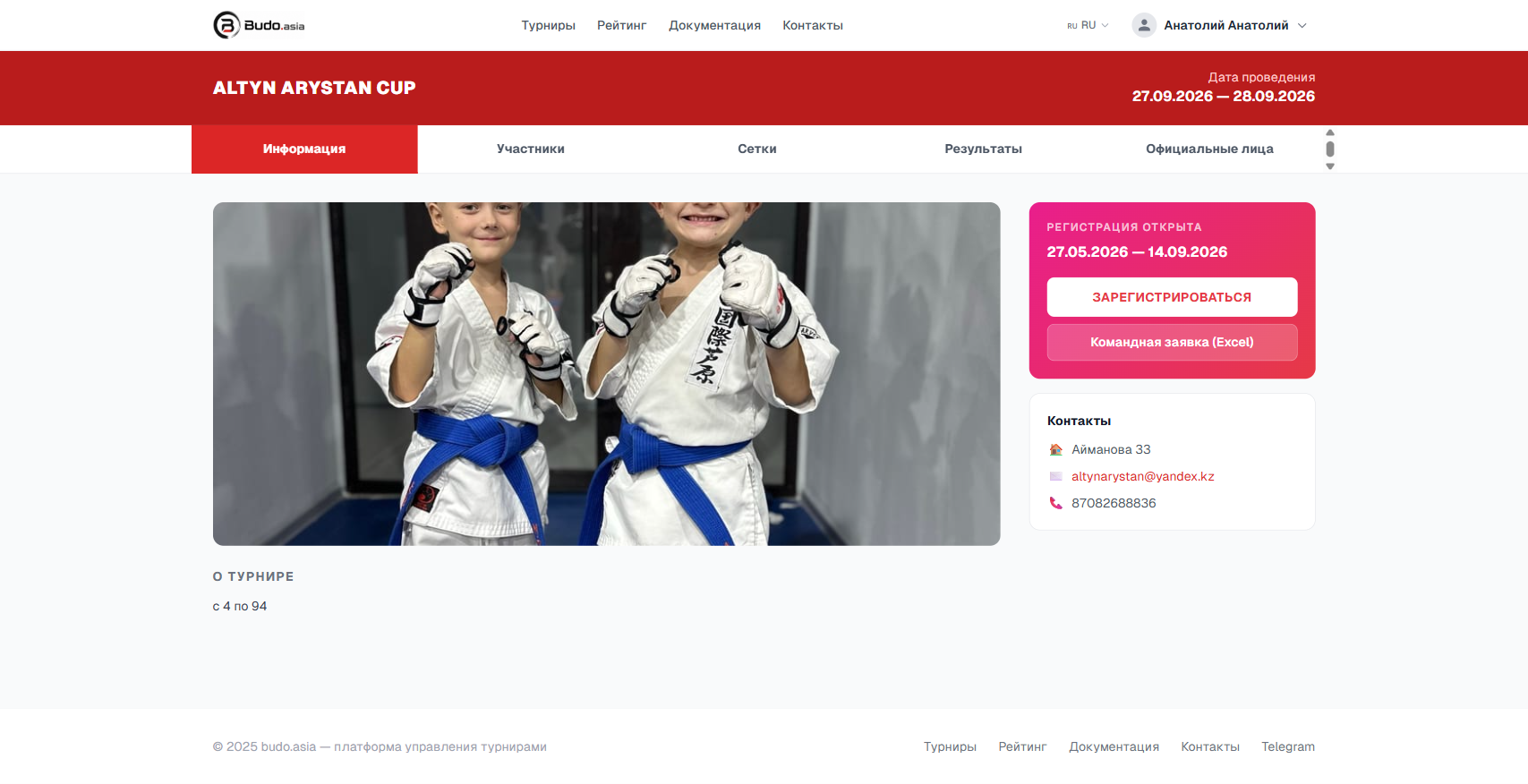
Click a tournament card to open its page. There you will find the dates, information about the organiser, the list of participants (the “Participants” tab), the brackets (the “Draws” tab) and contact details.
If registration is open, a pink block with the “Register” button and the entry deadlines appears on the right of the page.
Step 3. Fill in the registration form
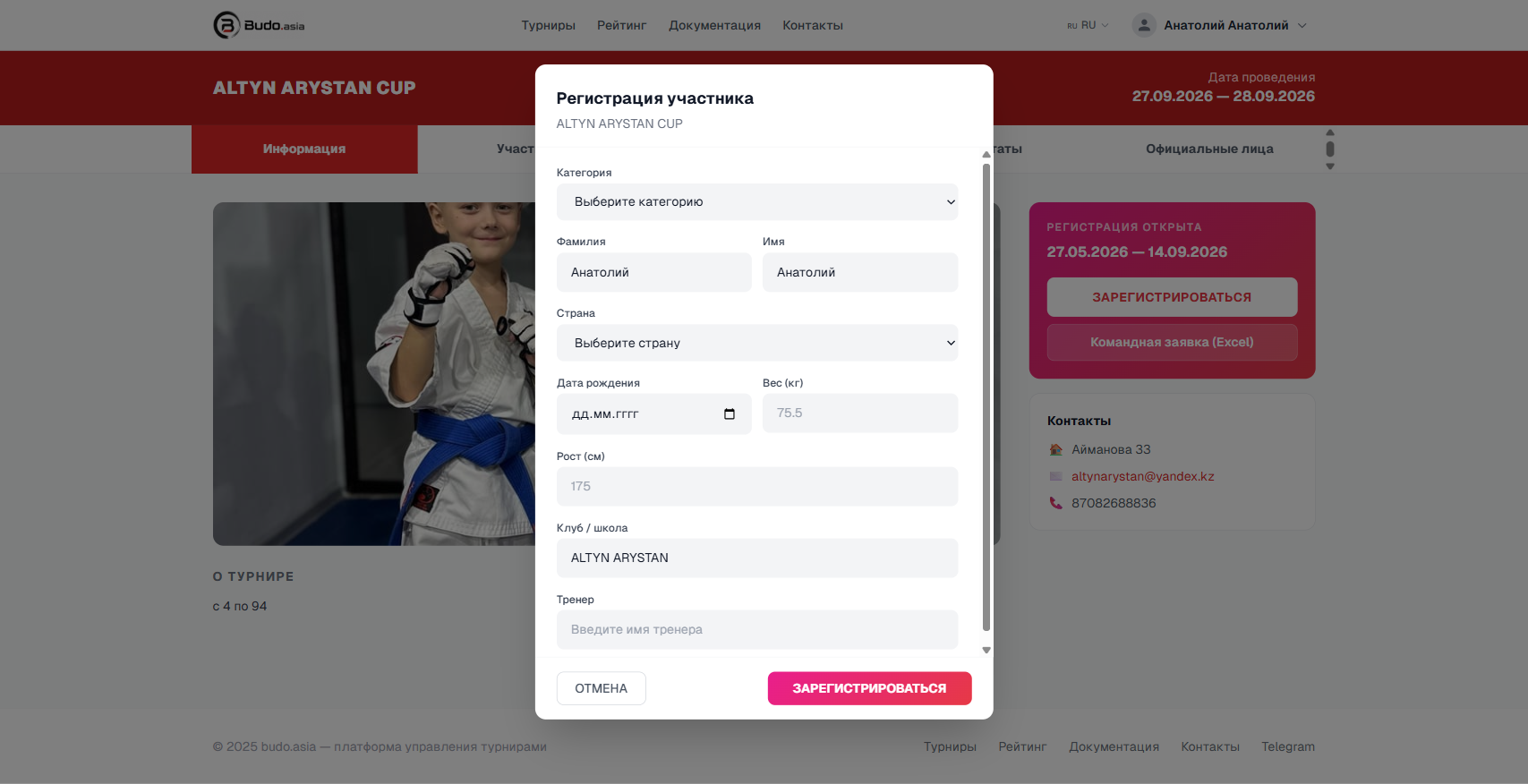
Click the “Register” button. The participant registration form opens. Sign in if you have not done so yet — an account on budo.asia is free.
Fill in the fields:
- Category — choose one of the tournament categories
- Surname and First name — filled in from your profile automatically
- Country — choose from the list
- Date of birth — dd.mm.yyyy format
- Weight (kg) and Height (cm)
- Club / school
- Coach — optional
When everything is filled in, click “Register” to confirm your entry.
My events
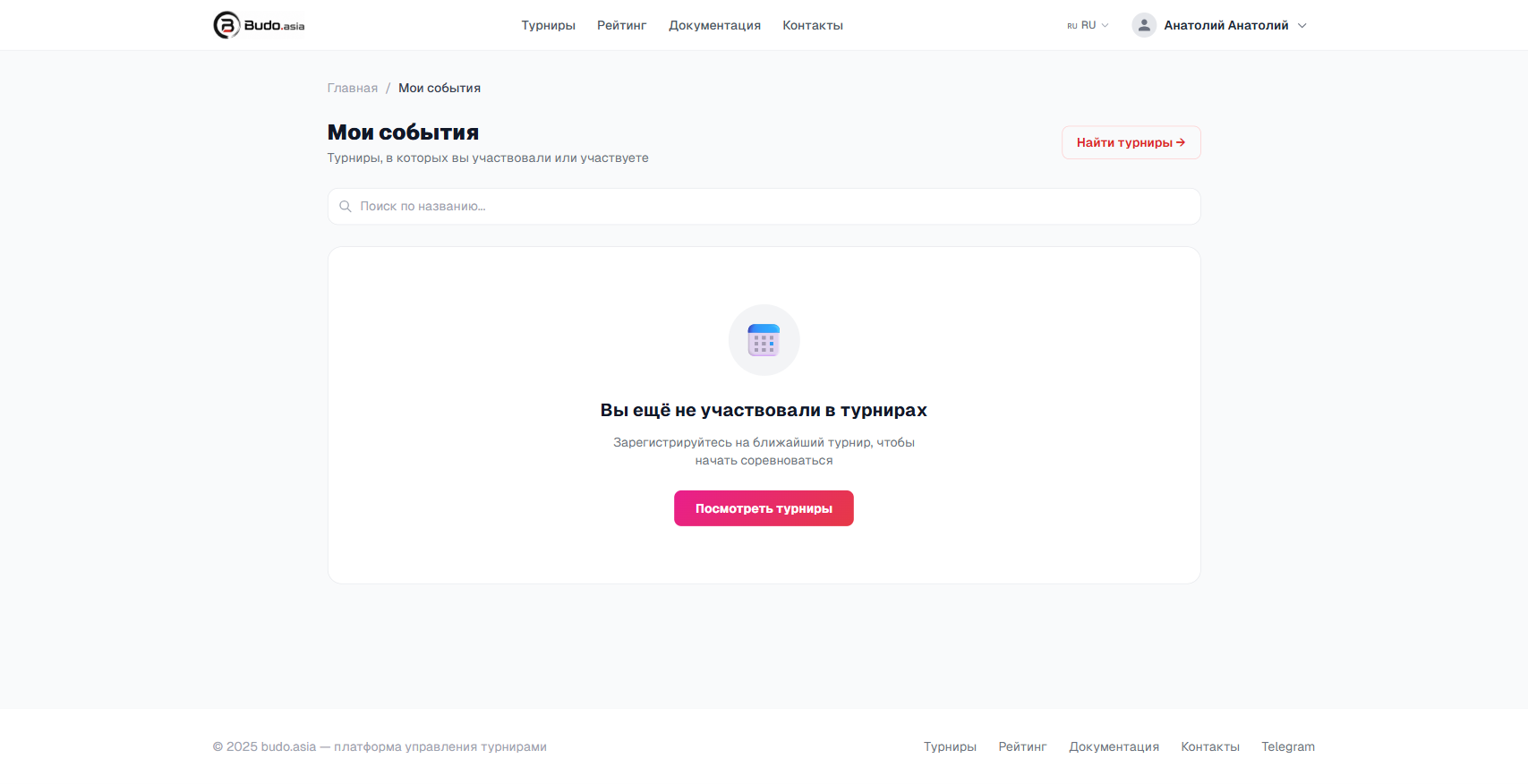
After registering, the tournament appears in the My events section, which lists every tournament you take part in or have taken part in.