
Documentation
Getting Started
For Organizers
For Coaches / Clubs
For Athletes
Manage participants
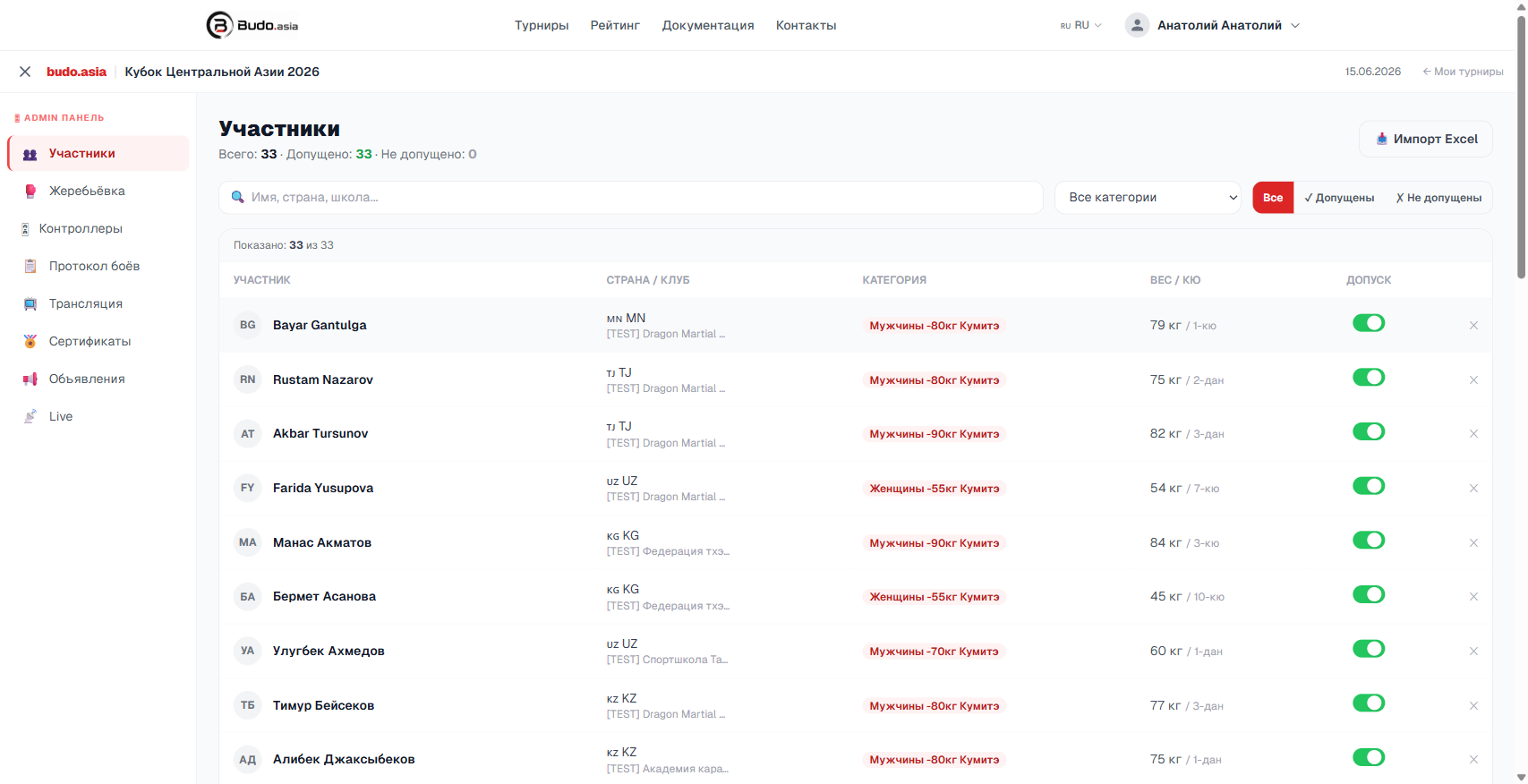
The Participants section of the Admin panel shows every entry submitted.
Video guide
Admitting participants
Every participant is admitted by default (the toggle is green). To withdraw someone from the competition, switch the toggle to red. The participant stays in the list but is left out of the draw.
Filters
- Search by name, country or club
- Filter by category
- Show only admitted or only withdrawn athletes
Excel import
Click Excel import in the top right corner to add participants in bulk from a coach’s entry file.