Documentation
Getting Started
For Organizers
For Coaches / Clubs
For Athletes
Create a tournament
Steps to publish your tournament on budo.asia.
Video guide
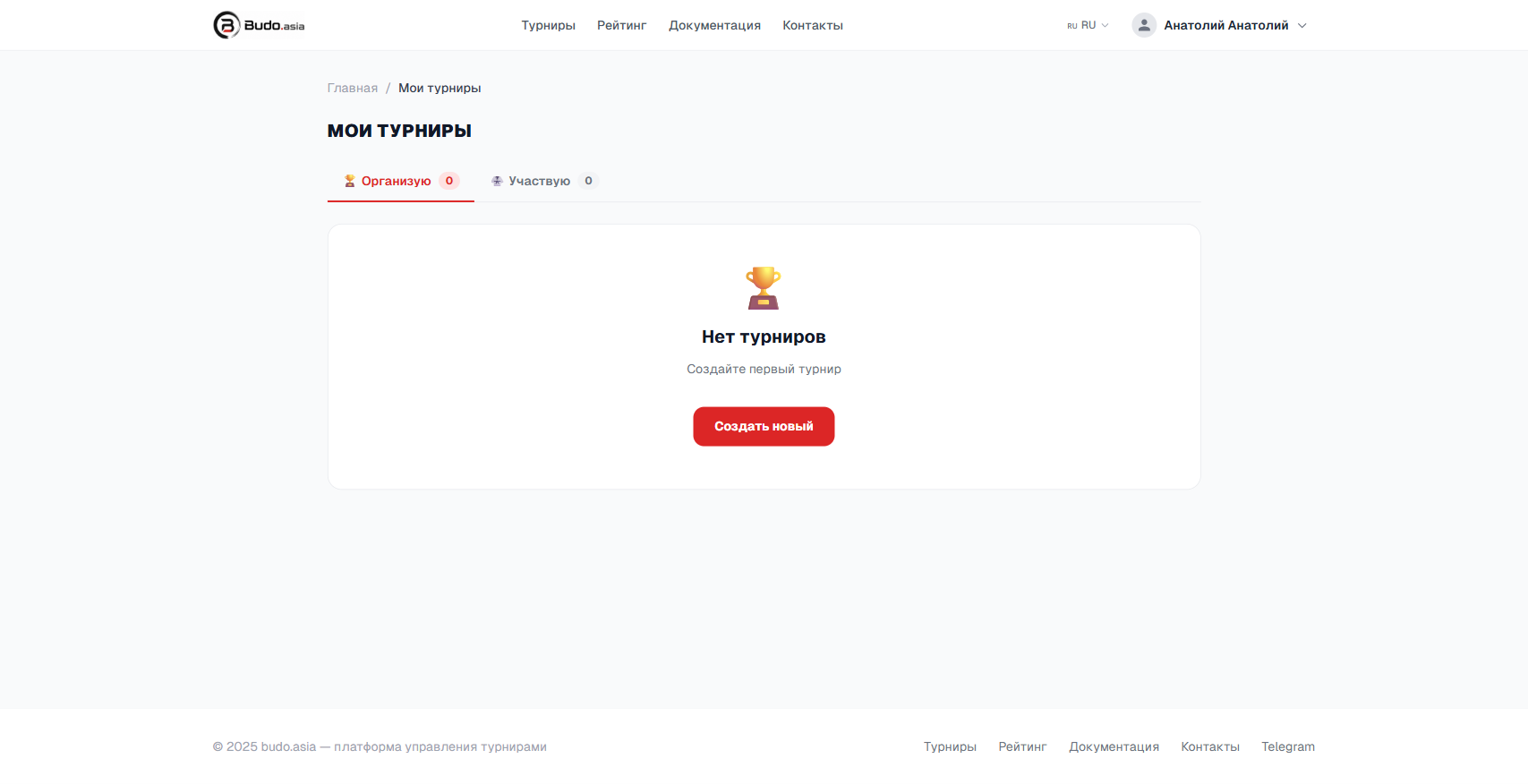
Step 1. Sign in and open “My tournaments”
In the top menu click your name → My tournaments. Click Create new.
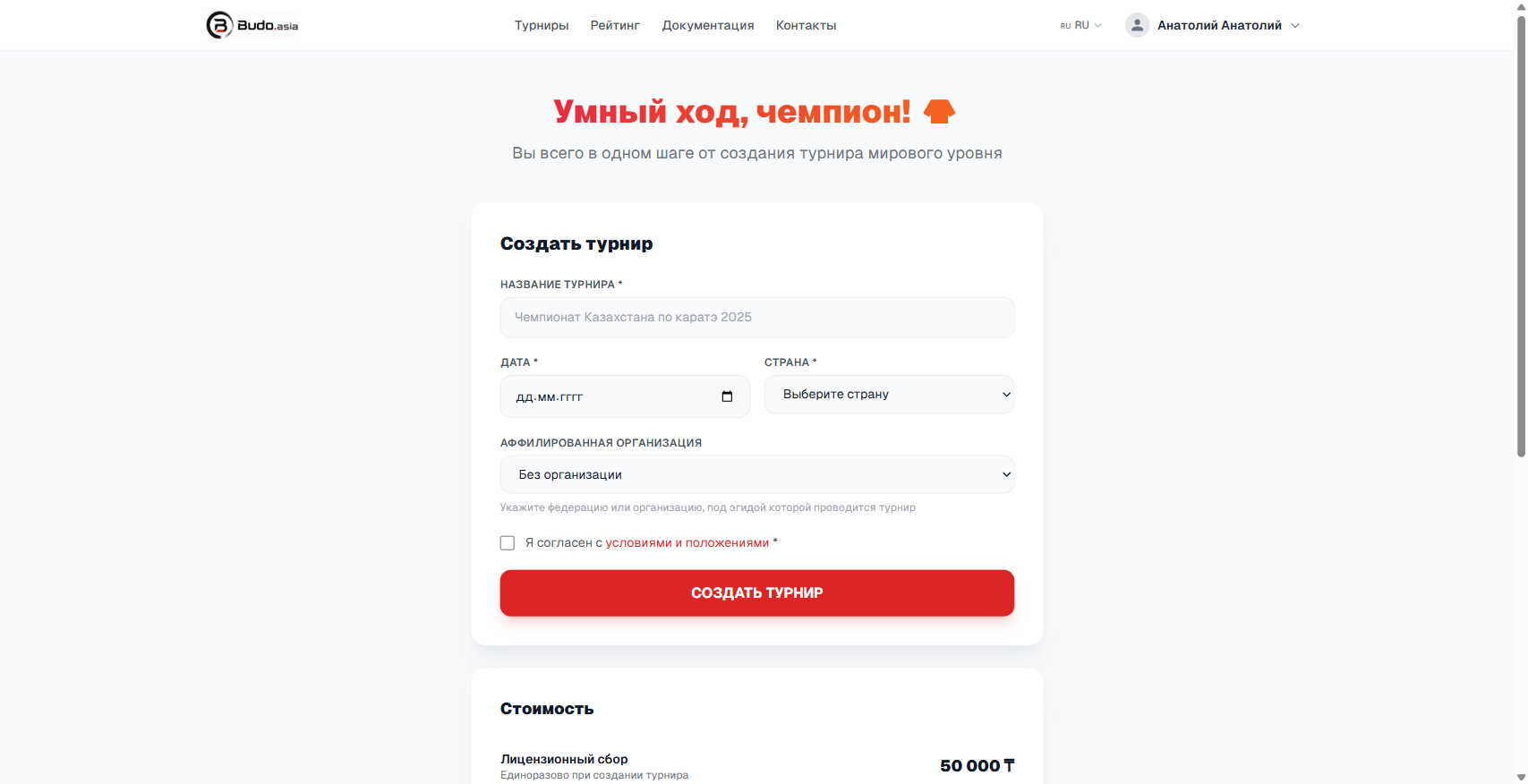
Step 2. Fill in the tournament form
Enter the name, date and country. Accept the terms and click Create tournament.
Creating a tournament is currently free.
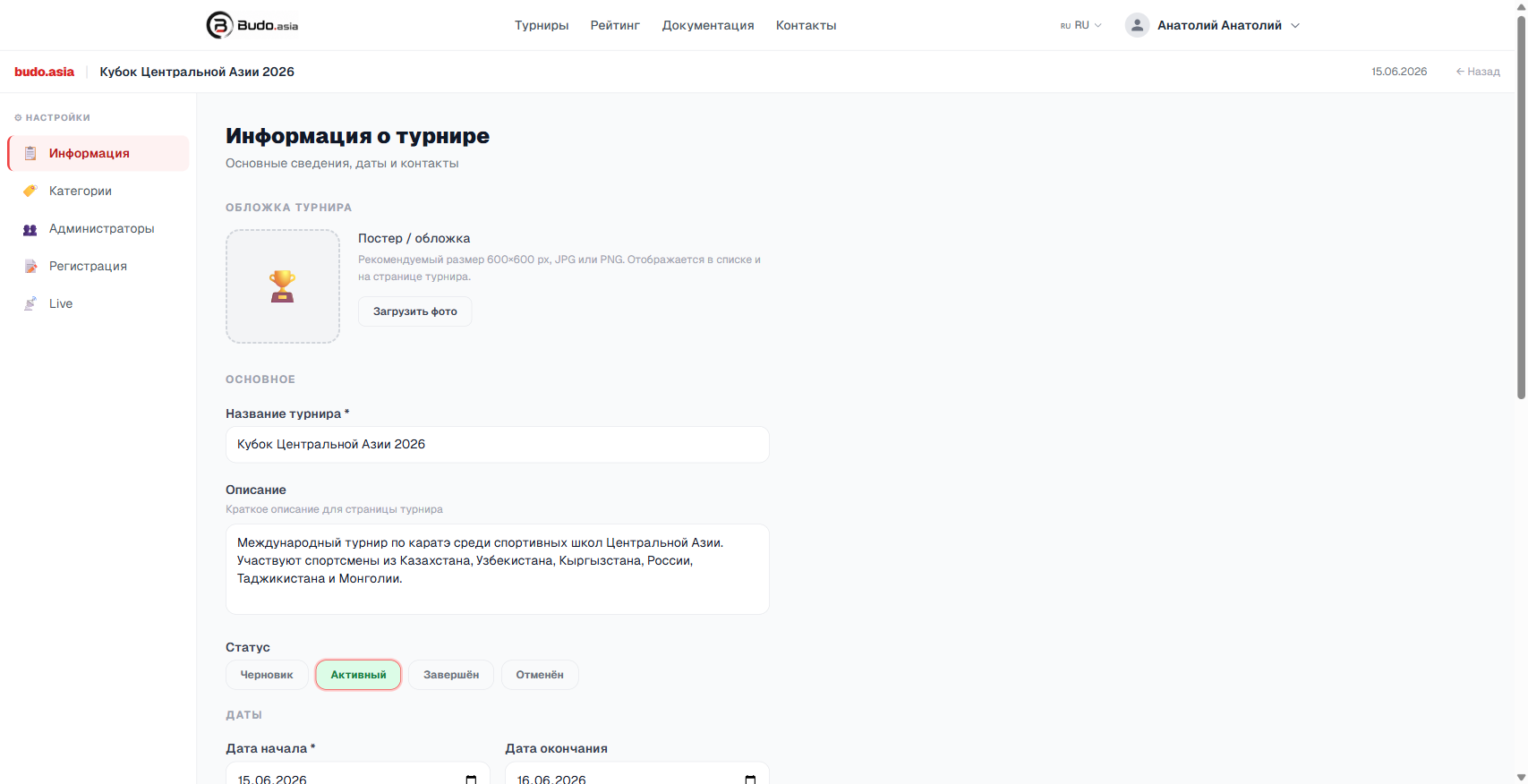
Step 3. Set up the tournament details
After creating it you land in the settings panel. Here you can add a poster, description, contacts and set the tournament status.