
Documentation
Getting Started
For Organizers
For Coaches / Clubs
For Athletes
Set up categories
Categories define the weight and age groups the competition will be held in.
Video guide
Open the categories section
In the tournament control panel go to Settings → Categories.
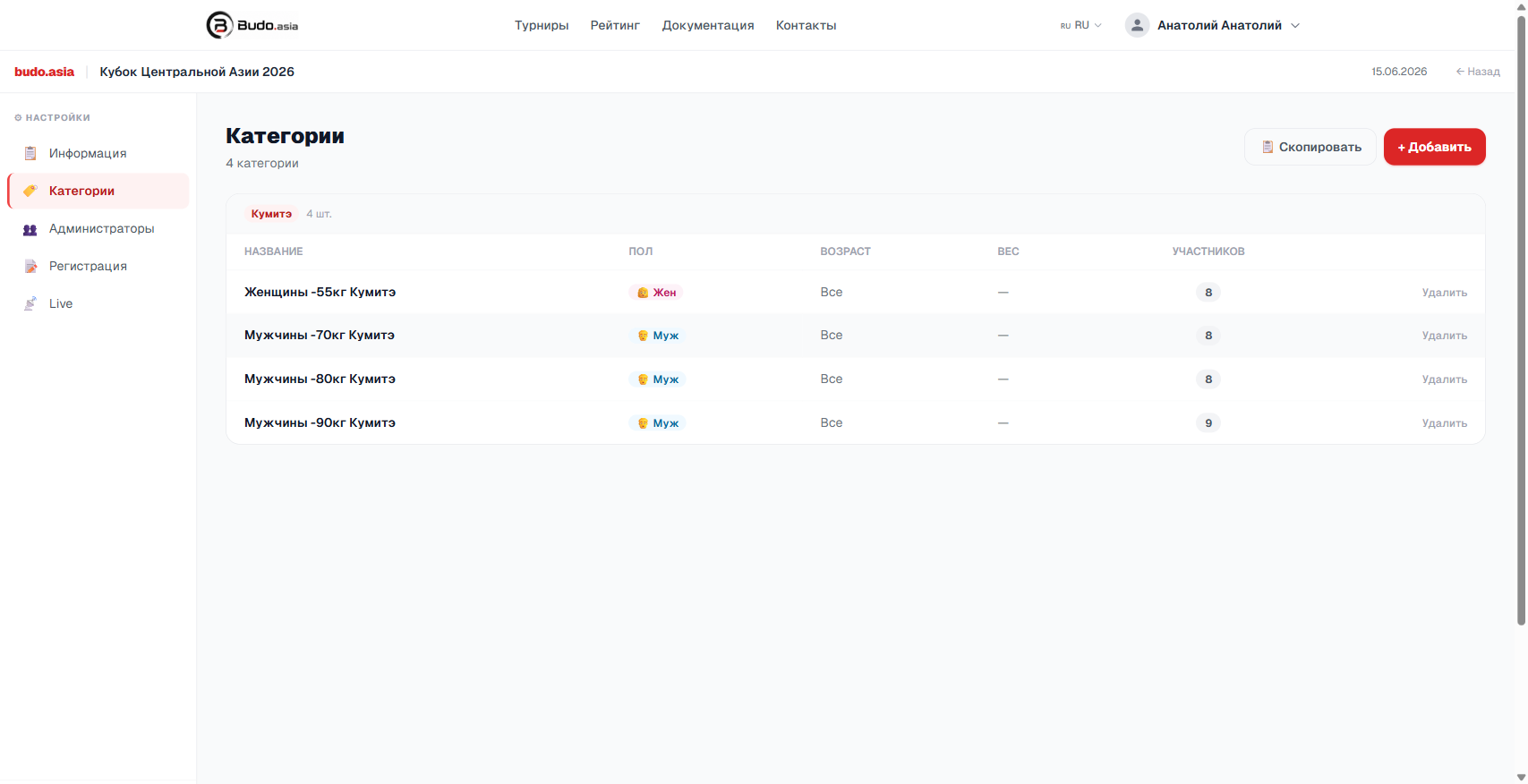
Add a category
Click + Add and fill in:
- Name — for example, “Men -80kg Kumite”
- Gender — Male / Female
- Age — age range (optional)
- Weight — weight class (optional)
Copy from another tournament
If you already have a similar tournament, click Copy to import its categories. This saves time.