
Documentation
Getting Started
For Organizers
For Coaches / Clubs
For Athletes
Display screens
Show the current bout on a big screen in the hall — the information updates in real time.
Video guide
Tournament overview screen
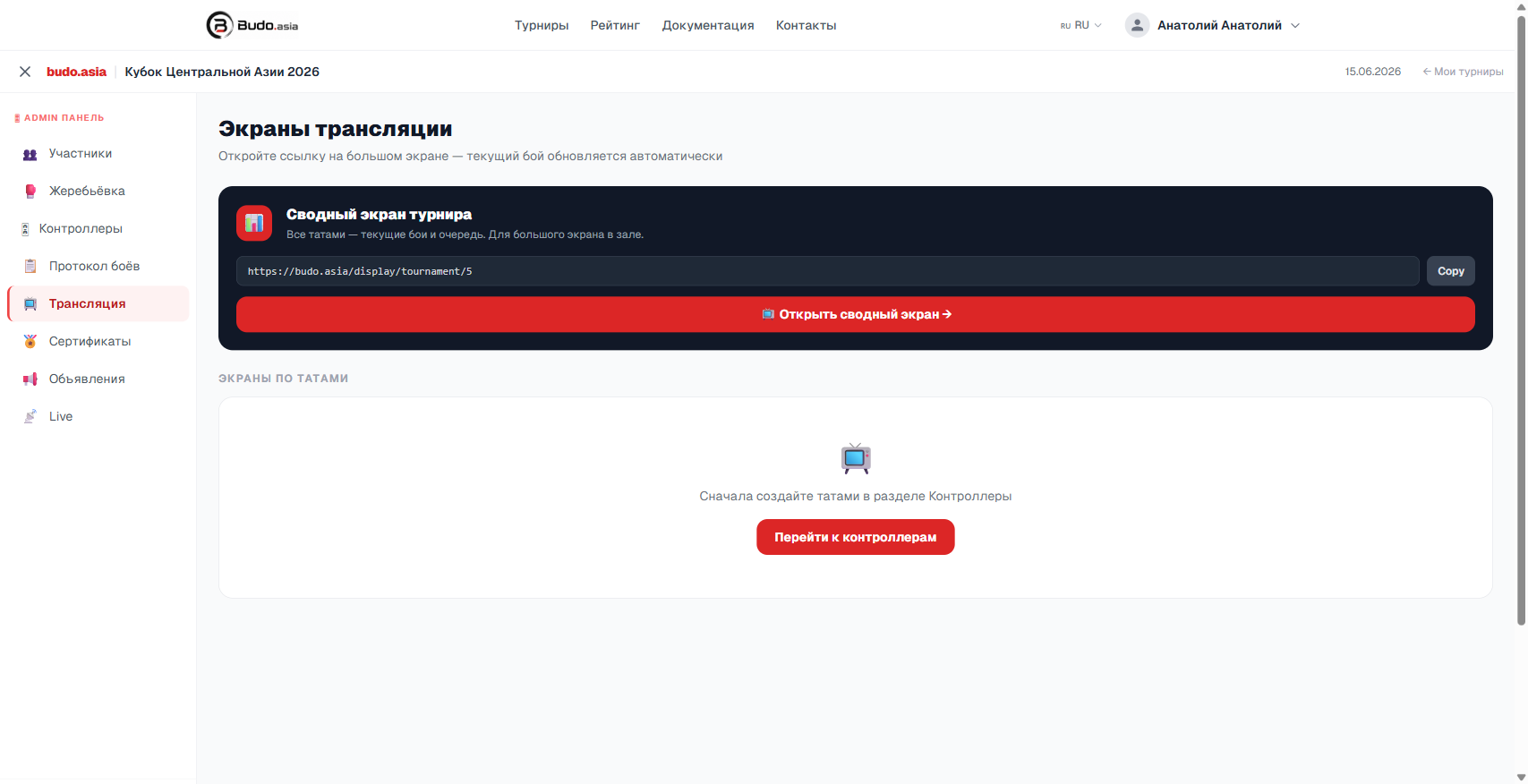
In Admin panel → Broadcast copy the overview screen link and open it on a computer connected to a projector or a TV. The screen shows every tatami at once — the current bouts and the queue.
Per-tatami screens
First create the tatami in the Controllers section. After that the Broadcast section shows a separate link for each tatami — you can open them on individual monitors next to each mat.